

How to Use Claude Code for 100% Free, Open-Source AI Video Generation (Beginner-Friendly Guide)
Want to generate AI videos without paying for any API?
Yes, it’s possible.
With Claude Code + Ollama + Remotion, you can create professional videos directly from your terminal — fully local, fully open-source, and 100% free.
This guide shows the easiest working method on Windows 11 (also works on Mac/Linux).
🚀 What We’re Using (All Free)
- Claude Code – AI coding agent (runs in terminal)
- Ollama – Runs open-source LLMs locally
- Remotion – Create videos using React
- Node.js – Runs JavaScript tools
This setup avoids paid APIs from Anthropic or OpenAI.
🛠 Step 1: Install Required Tools
1️⃣ Install Node.js


- Download from: https://nodejs.org
- Install LTS version
- Verify:
node -v
npm -v
2️⃣ Install Ollama


Download from: https://ollama.com
Then install a coding model:
ollama pull qwen2.5-coder:7b
You can also try:
ollama pull deepseek-coder
3️⃣ Install Claude Code CLI
npm install -g @anthropic-ai/claude-code
Now connect Claude Code to Ollama:
setx ANTHROPIC_BASE_URL http://localhost:11434/v1
setx ANTHROPIC_AUTH_TOKEN ollama
Restart terminal.
Test it:
claude --model qwen2.5-coder:7b
If it responds → ✅ You’re fully offline and free.
🎬 Step 2: Create Free Video Project with Remotion
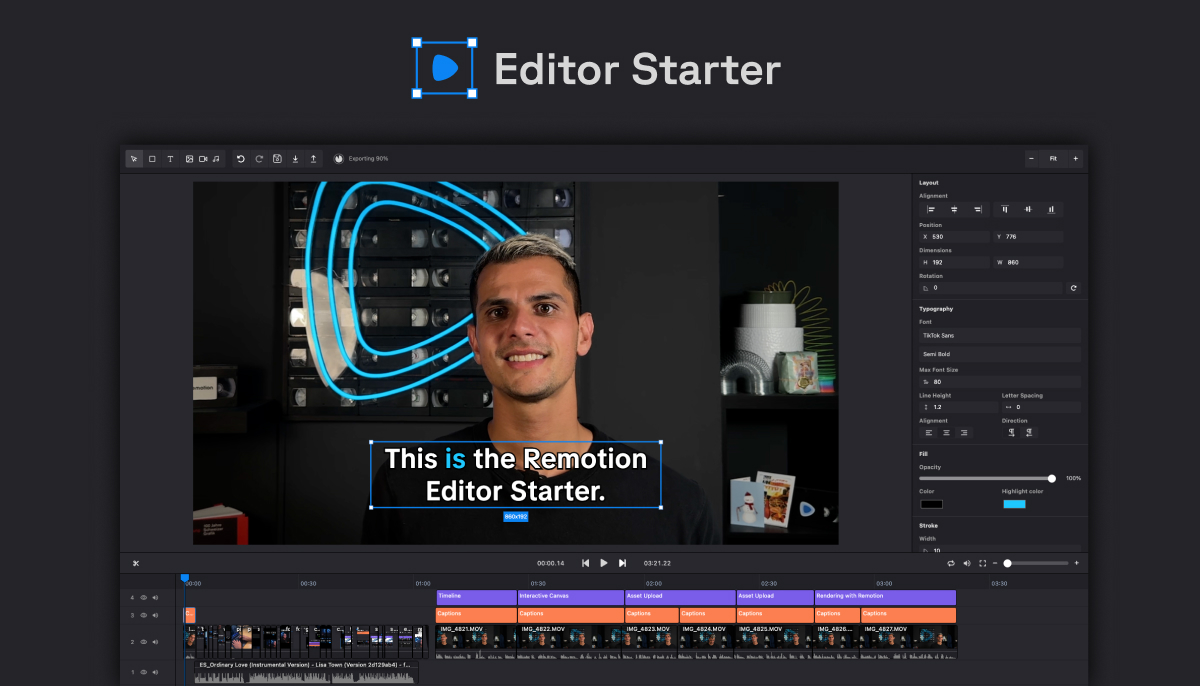
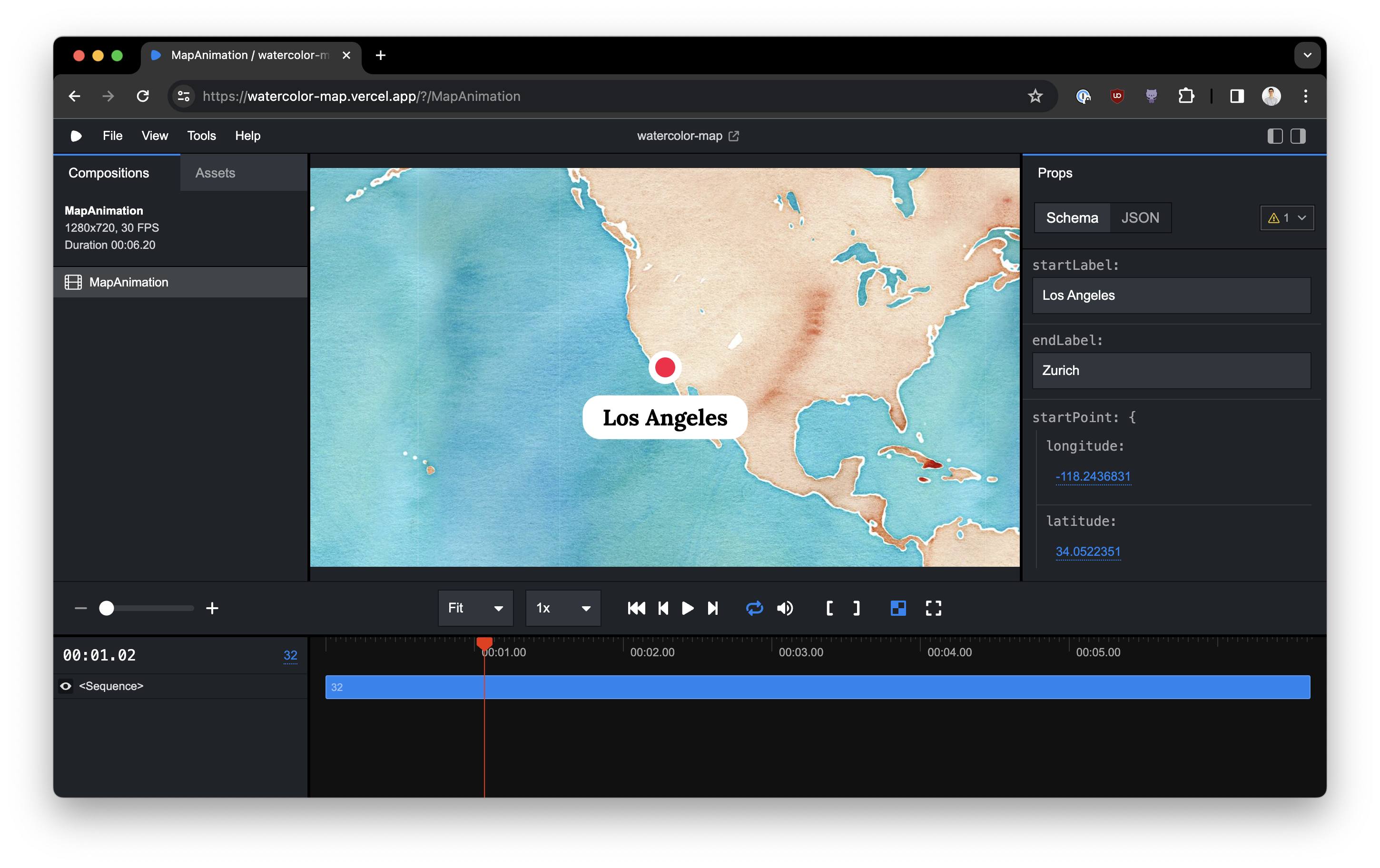

Now create your video project:
mkdir my-video
cd my-video
npx create-video@latest
Select:
- Blank template
- Add Tailwind (recommended)
Install dependencies:
npm install
Start studio:
npm start
Open:
👉 http://localhost:3000
You now have a React-based video editor.
🤖 Step 3: Generate Video Using Claude Code
Inside your project folder:
claude --model qwen2.5-coder:7b
Paste this prompt:
Create a 10 second YouTube intro video.
Title: "AI Growth Mastery"
Animated tech background
Smooth text fade-in
Cursor click animation
End with subscribe button pop animation
Use Tailwind CSS styling
Keep modern neon tech theme
Claude will generate React components inside:
src/Composition.tsx
Refresh browser → Your AI video appears 🎉
If something breaks:
Fix animation timing.
Make cursor smaller.
Increase font size.
It iterates like a real coding assistant.
🎥 Step 4: Export Video (100% Free)
npm run build
Your MP4 will generate inside:
/out
No watermark. No API cost. Fully local.
💡 Why This Method Is the Easiest
✔ No paid API
✔ No cloud cost
✔ No rate limits
✔ Fully private
✔ Works offline
✔ Uses open-source models
For tech-savvy creators (like you), this is the cleanest workflow.
⚡ Pro Tips for Better AI Videos
- Keep prompts specific
- Mention duration (5s, 10s, 30s)
- Describe animation style clearly
- Iterate step-by-step
- Use small clips first (saves RAM)
Minimum hardware:
- 8GB RAM (16GB better)
- SSD recommended
🔥 Advanced (Optional)
Add:
- Free TTS (local Coqui TTS)
- Background music from free libraries
- Dynamic captions
But keep it simple if you’re starting.


